A Lime-green Burst of Music and Talk

Charles Horsfall photo by Sheela Santos

Charles Horsfall, photo by Sheela Santos

I’m not a workout fanatic, but I like to walk, so the Plantronics Backbeat Fit wasn’t subjected to the same kind of abuse as someone who does an extreme cardio workout.

That being said, the headphones are easy to set up. For me, it took five minutes or less, including the installation of the Backbeat Fit app.

The first thing I did was try playing a song with the music app, and  I was happy to find the sound quality was crystal clear. I’m not a headphone expert, but already I am thinking this is a great upgrade, and my standard-issued Apple headphones will be buried in my bag for back-up.

There are features for controlling the music with the headphones. Music can be paused and the volume can be adjusted. Unfortunately there is no track skipping functionality. Maybe this is something that can be added in the future.
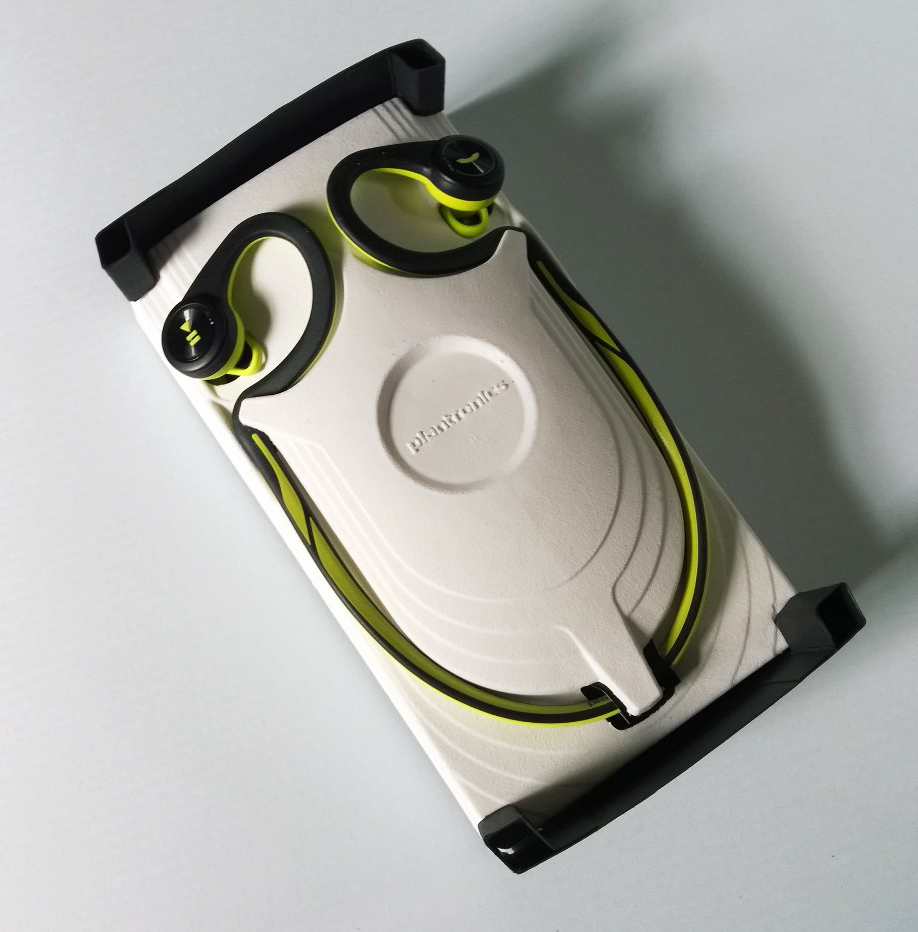
Plantronics headset photo by Terri Nakamura

Plantronics Backbeat Fit headset, photo by Terri Nakamura

There is a non-adjustable band that wraps around the back of your head and I found it to be comfortable. I didn’t try the arm band, but suspect the same care was taken to ensure comfort and usability.

Making phone calls with the Plantronics Backbeat Fit headphones works the way you’d expect. There’s a single button for answering and hanging up. The play/pause button is used to mute a call, and you are notified by a sound when it is on or off. (The button is located on the left headphone, call button on the right).

Holding the call button also allows you to use voice commands, but it isn’t the greatest—at least on the iPhone 5S. I think it has more to do with Siri than anything than any shortcomings of the headphones.

I’m getting some nice feedback from friends, but most of all, it’s great trying out this new gadget.
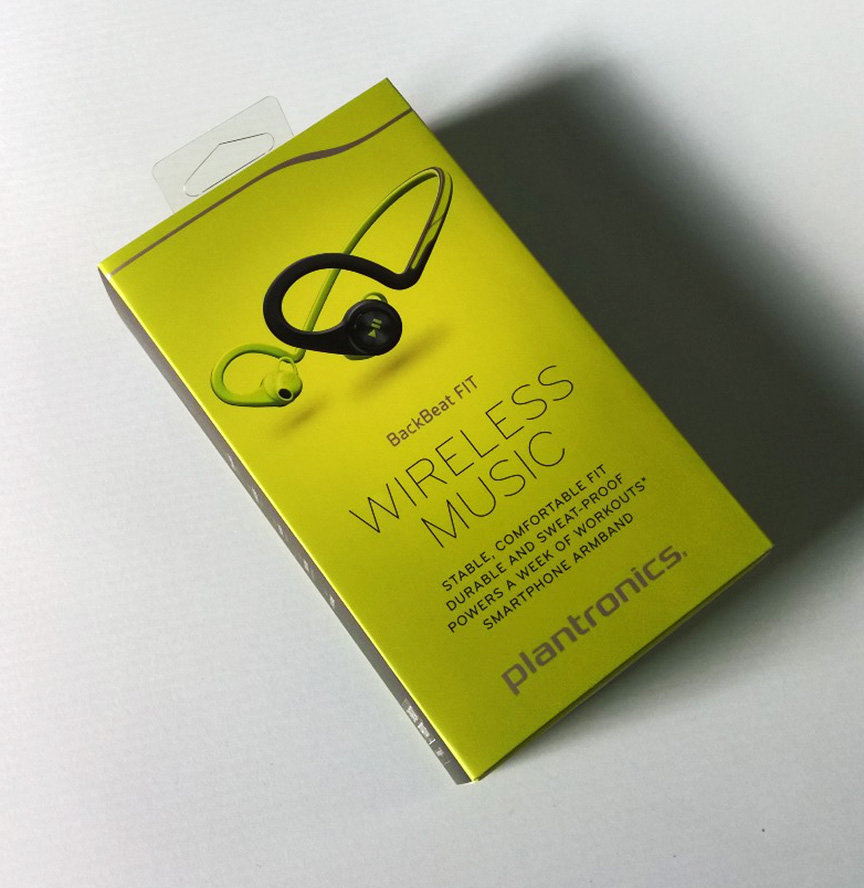
Plantronics Backbeat Fit photo by Terri Nakamura

Plantronics Backbeat Fit, photo by Terri Nakamura

Guest post by Charles Horsfall, freelance writer

Edited by Terri Nakamura

Photos by Terri Nakamura and Sheela Santos, taken with a Nokia Lumia Icon provided by Verizon Wireless #vzwbuzz

iPhone User “Does Windows”

Terri_Nokia_square.
One of the most fun perks of my relationship with Verizon Wireless is having access to new technology.

For the past couple of months I have been using the Nokia Lumia Icon — my very first Windows phone experience!

As a long-time iPhone user, I wondered if it would be difficult to adjust to this radically different device?

It was surprising to find out the Windows operating system and interface are GREAT! It was much easier for me to figure out how to use Nokia Lumia Icon than any other non-Apple device so far. Beside the ease of use, and terrific functionality, the mind boggling part of the Nokia has been THE 20 MP CAMERA.

I’m an avid Instagrammer (I’ve posted more than 12,000 photos. That’s right, TWELVE THOUSAND!) When I began I was using an iPhone 3 or 4 before moving on to the 5.

This past year, Verizon Wireless has given me the opportunity to use a number of new devices with greater pixel depth, and in the process I’ve found the quality of my images has steadily improved.

The camera on the Nokia Lumia Icon is off the chart! If you’ve ever seen any of the featured photographers on the Nokia blog, you know what incredible images are shot using their devices!

In spite of the amazing camera, one of the criticisms of the Windows platform is the limited selection of applications. It was really noticeable to me at first.

Then I began thinking of what it’s like to go into a large department store where there are 10 floors of merchandise. It’s sometimes hard to find what you want or need when you have to wade through so many choices.

But when you walk into a boutique, where there are fewer choices, it’s easier to make a selection.

That’s what it’s like with the Windows App Store right now!  And every app I really need to function I have found there!

If you’re an avid mobile photographer, and on the fence about which device to choose, I think the Nokia Lumia Icon is terrific.

———

PS. Here’s a great article on the Verizon website listing the top five Windows Phone 8 apps you should install first: https://www.verizonwireless.com/insiders-guide/tech-smarts/windows-8-apps-wp8-first-5-to-install-skype-facebook-weather-channel/